Shopify: Show Verified Purchase Badges If 3 IDs Match (Text+Video+Q&A)

A verified purchase badge must only appear when an order, customer, and product record are matched to the review. If your review app cannot confirm that the reviewer actually bought that specific item, the badge should not display. The immediate action for any Shopify store owner: check whether your review collection tool captures Customer ID, Order ID, and Product ID before you turn on any verification labeling.
TL;DR:
- Verified purchase badges depend on matching Customer ID, Order ID, and Product ID from transaction data; without these links, badges are unreliable.
- Migrated reviews often lose order metadata, so unless original order identifiers are reattached, they should not be marked as verified.
- Use explicit labels like “Verified purchase” and place badges near ratings or videos to clearly communicate what is confirmed.
- Verifications must be ongoing and transparent, with clear disclosure of incentives and detection of suspicious review patterns to comply with FTC and federal regulations.
- Proper discipline in matching purchase records before marking reviews as verified ensures credibility and helps avoid legal or reputational issues.
Table of Contents
- What Shopify requires and why provenance matters
- How do you add a verified purchase badge step by step?
- How should the badge be worded and placed?
- Staying inside FTC and Shopify review rules
- What merchants get wrong about review verification
- How Peers helps you show verified reviews shoppers trust
- Where to verify these rules yourself
- Sources
- FAQ
What Shopify requires and why provenance matters
Shopify’s own review infrastructure runs on a standard metaobject that tracks a field called app_verification_status, which can equal verified_buyer, verified_reviewer, or unverified. This single field is what separates a trustworthy badge from a decorative one, and it only works when the underlying review record links back to real transaction data through the standard product review metaobject.
For a review to count as eligible under Shop’s merchant guidelines, several conditions apply:
- The review carries a rating between 1 and 5 along with a visible author display name.
- The content must relate directly to the purchased product and store, with no promotional links.
- Shop allows only one review per purchase, and the platform checks authenticity before publication.
Customer ID, Order ID, and Product ID together confirm that the person writing the review bought the exact item being reviewed, not a related product or a different variant. Without that three-part link, a badge is just a visual claim with nothing behind it, and it opens the door to false verification, whether accidental or deliberate.
This is where migrations get risky. A CSV import of old reviews from a previous platform typically strips out the original order metadata. Unless you can map those legacy order numbers back to Shopify Order IDs, those imported reviews are not eligible for a verified badge and should be labeled accordingly.
How do you add a verified purchase badge step by step?
Building a credible badge system comes down to four stages: collect, match, store, and display.
- Collect: Trigger a review request after delivery confirmation, not at checkout, and capture Customer ID, Order ID, Product ID, and any photo or video URLs the shopper submits.
- Match: Confirm the reviewed product matches the purchased item at the variant or SKU level, not just the parent product title. A shopper who bought a size medium shirt should not have their review attached to a size large listing.
- Store: Write the verification result into the review metaobject or your app’s datastore, setting
app_verification_statustoverified_buyerwhen the match succeeds. - Display: Show the badge only after both the identifier match and any moderation review pass, and place it near the star rating or directly on the video thumbnail so shoppers see it where they are already looking.
For imported reviews, apply the same rule you’d apply to any unverifiable record: only mark it verified if you can reattach the original order identifiers. Otherwise, label it clearly as imported with unconfirmed linkage.
Pro Tip: Build your matching logic to flag mismatches automatically (wrong SKU, wrong customer, or a review submitted before the order’s delivery date) rather than relying on manual review for every submission.
How should the badge be worded and placed?
A badge that just says “Verified” tells the shopper almost nothing. Say what you’re actually verifying.
- Use explicit phrasing like “Verified purchase” or “Purchased on [store name]” instead of a bare “Verified” label.
- Place the badge next to the star rating on text reviews, and on the thumbnail or control bar of video testimonials, so it’s visible before a shopper presses play.
- Create a separate tag for other trust states, such as “Verified reviewer” for identity-confirmed but unmatched purchases, or “Submitted via import, order linkage unconfirmed” for migrated content.
- Avoid wording that implies Shopify endorses the review itself. A short hover tooltip explaining exactly what the badge confirms keeps the claim honest.
Pro Tip: Keep the tooltip copy under 15 words. Something like “This reviewer’s order was matched to this product” does the job without overselling what’s been checked.
Staying inside FTC and Shopify review rules
Verification is a process, not a one-time stamp, according to FTC guidance for platforms, which expects reasonable systems for confirming reviews came from real customers and clear transparency about how that confirmation happens. Burying or deleting negative reviews to improve your average rating runs against that guidance, even when the reviews are genuine and verified.
The 2024 Federal Register rule on consumer reviews and testimonials goes further, prohibiting the sale or purchase of fake reviews outright and addressing undisclosed incentives. If you offer a discount or free product in exchange for a review, disclose it plainly next to the content, not buried in a footnote.
Watch for operational red flags that suggest manipulation rather than genuine purchase activity:
- A sudden burst of five-star reviews arriving within the same hour or day.
- Reviews that mention a different product, color, or size than the one listed.
- A review posted minutes after an order is placed, before any product could reasonably have arrived.
What merchants get wrong about review verification
Having looked at how different Shopify stores handle this, the most common mistake is treating “verified” as a single checkbox instead of a layered claim. A badge that only confirms identity, without confirming the actual order and product, tells shoppers less than they assume it does. Peers builds specifically for Shopify stores, embedding post-purchase video reviews and shopper Q&A directly on product pages so buyers can see real customer interactions tied to an actual purchase.
What separates stores that do this well from the ones that don’t is discipline around metadata: matching order records before labeling anything, and surfacing what the badge actually confirms in plain language rather than vague trust signals.
— Leo
How Peers helps you show verified reviews shoppers trust
Certain review programs capture order linkage from the start, pairing post-purchase video reviews and shopper Q&A with Customer ID, Order ID, and Product ID to support verification badges.

- Video reviews and shopper Q&A appear directly on your product pages, tied to confirmed purchase data.
- Moderation tools let you manage what’s published without suppressing genuine feedback.
- Customizable display options and analytics track engagement across your catalog.
You can start with the Free plan or move to a paid Growth plan, both available through the Peers Shopify App Store listing.
Where to verify these rules yourself
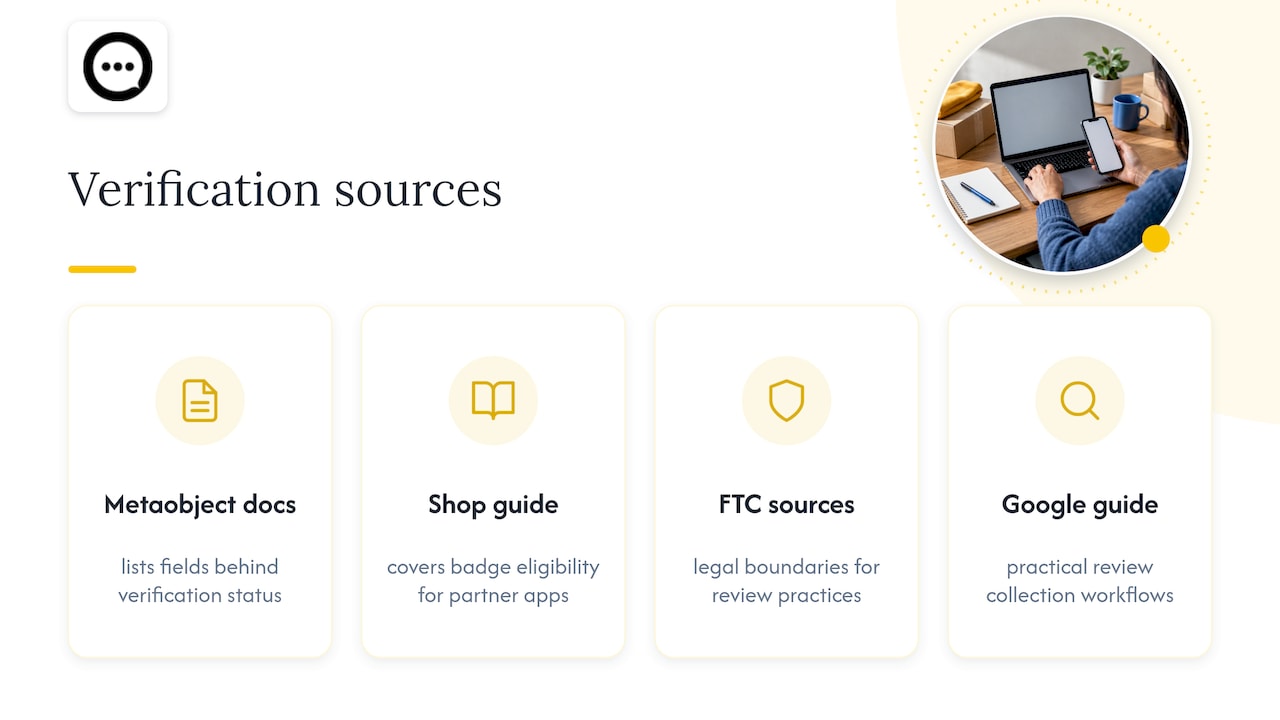
Shopify’s metaobject documentation lists the exact fields behind verification status. The Shop syndication guide covers badge eligibility for partner apps, and the FTC and Federal Register sources above detail the legal boundaries around review practices. For a practical look at review collection workflows outside Shopify’s own tools, see this guide to managing Google reviews.
Sources
- Standard product review metaobject definition
- Featuring online customer reviews: A guide for platforms
- Trade regulation rule on the use of consumer reviews and testimonials
FAQ
What does a verified purchase badge actually confirm?
It confirms that the reviewer’s Customer ID, Order ID, and Product ID match an actual completed transaction for that specific item, as defined in Shopify’s review metaobject. It does not confirm the review’s opinion is accurate, only that a purchase occurred.
Can imported reviews ever show a verified purchase badge?
Only if you can reattach the original order identifiers during migration; otherwise, Shop’s syndication rules exclude reviews lacking that linkage from verified status. Label unmapped imports as unconfirmed rather than applying a badge you can’t support.
Is it legal to pay for or incentivize reviews?
You can offer incentives, but FTC guidance and the 2024 Federal Register rule require clear disclosure and prohibit buying fabricated reviews outright. Suppressing negative feedback to protect your rating is treated the same way: a deceptive practice.
Do video testimonials need the same verification as text reviews?
Yes, video reviews require the same Customer ID, Order ID, and Product ID linkage as text reviews to carry a credible verified badge. Platforms like Peers capture that data at collection time so video testimonials don’t lose their order provenance.
What should I do if a badge shows on the wrong review?
Check whether the variant, SKU, or Product ID recorded for that review actually matches what the customer purchased, since mismatches at the variant level are the most common cause. Correct the metaobject record or remove the badge until the linkage is reverified.