
Publish customer videos and shopper Q&A directly on your product pages
to turn hesitation into purchase confidence.







Peers is an embedded widget that allows curious shoppers to ask questions directly from your current customers, right on your product pages.
Curious shoppers always have questions, and who better to answer them than those who've already made the purchase?


Invite customers to share honest feedback and answer shopper questions on your product pages. Use neutral selection rules and welcome both positive and negative experiences.
Kick things off with an attention grabbing invitation page and an irresistible incentives program. Give them the opportunity to elevate their text reviews with dynamic video.


Install our widget and publish collected videos from your squad right on your product pages. Now, curious shoppers can toss their burning questions directly to your customers, right there on the product page.
Trust us, in a digital world full of algorithms and faceless transactions, nothing says 'Add to Cart' like a face-to-face chat—digitally speaking, of course.

Curious shoppers ask questions right on your product pages. You approve the query, and it gets sent to your customers for answering. Curious shoppers get the answer, and you're one step closer to a sale!
Your customers no longer have to wonder, "What if it doesn't fit?" They can get those questions answered from those who've already bought and loved the product. Replace doubt with trust.
Sick of vague, questionable reviews messing up your product pages? Our conversational widget adds a layer of trust that text just can’t. Experience authentic dialogue that transforms curiosity into confirmed sales.
When a shopper submits a question, Peers collects the contact details needed for the conversation. Use those details for replies; only send separate marketing where you have the necessary permission.
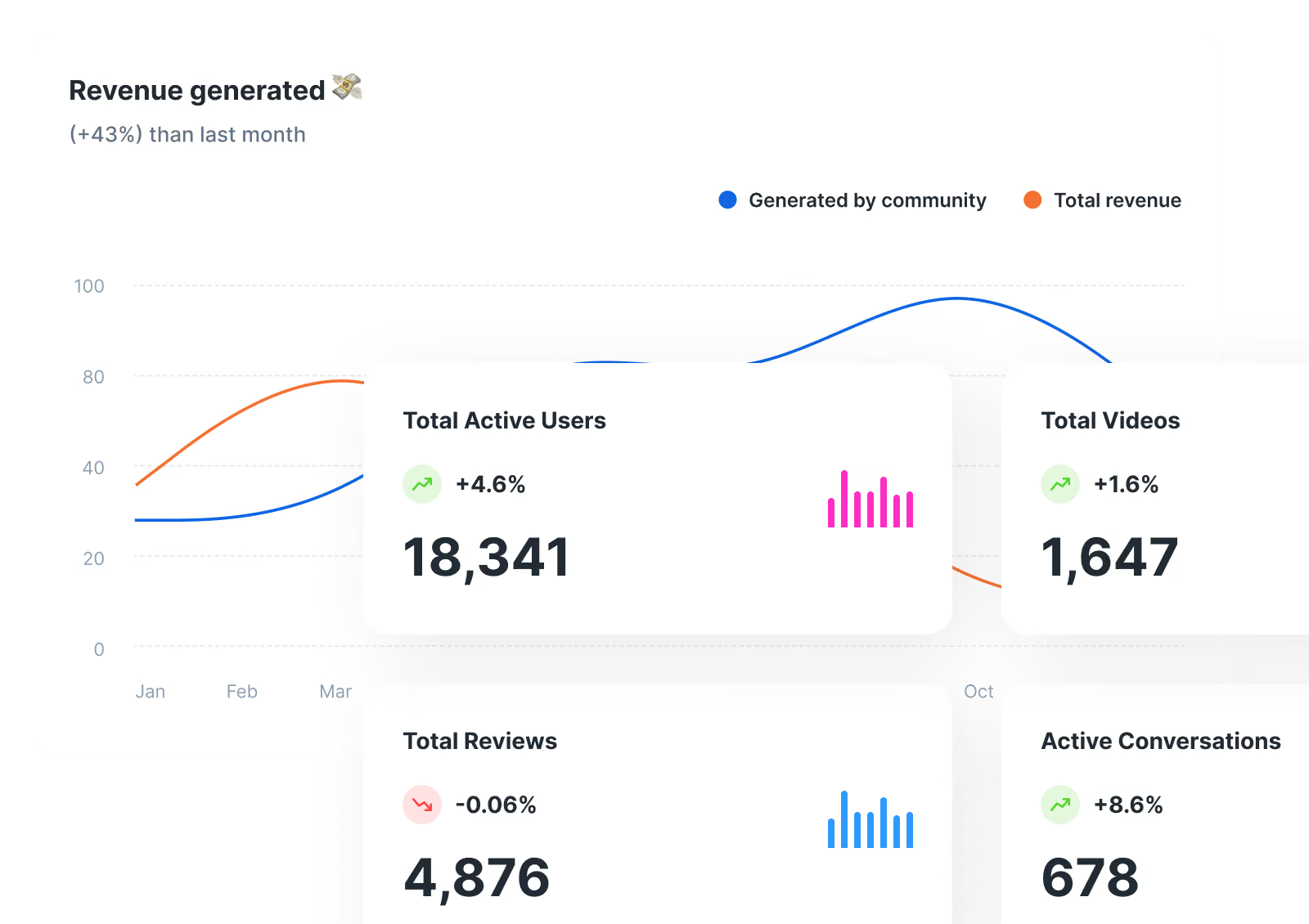
Ever wonder what makes your shoppers tick? Or click? Our Deep Analytics gives you the insider scoop. It's like reading your customers' diaries. Just way less creepy.
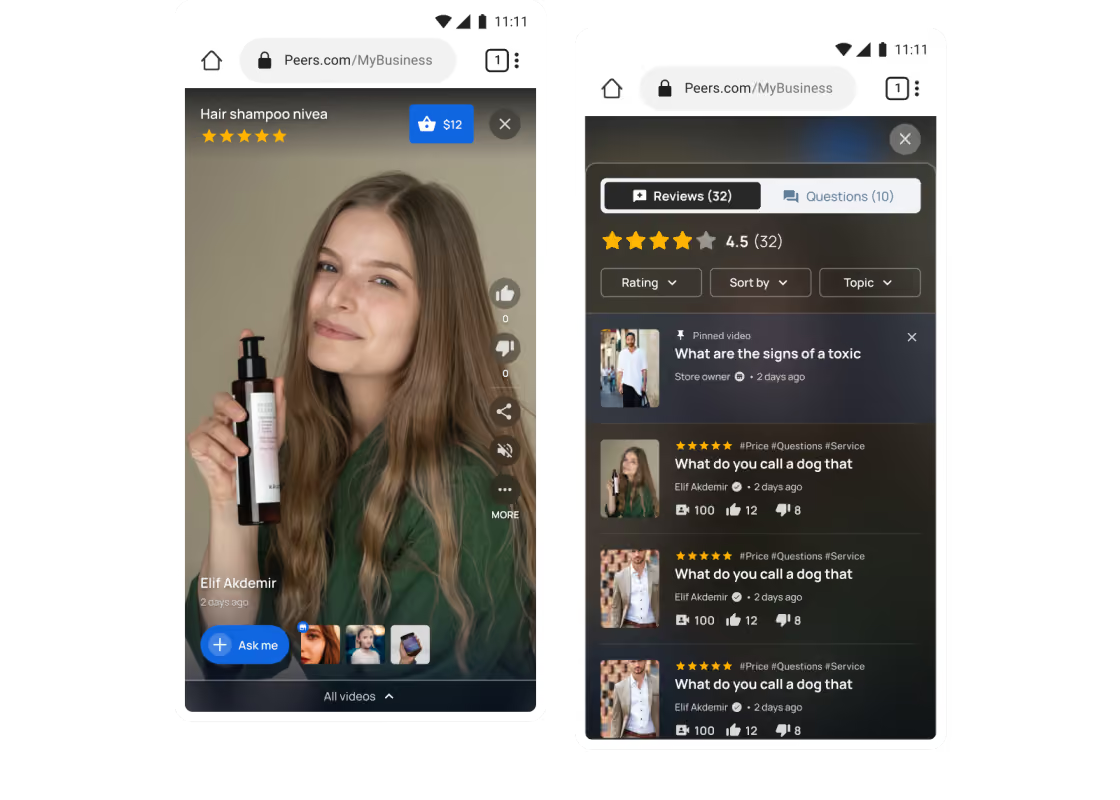
We get it. You're on the move, and so are your customers. Our widget is as mobile-friendly as a Millennial at a food truck. Swipe, tap, buy! no laptop needed!
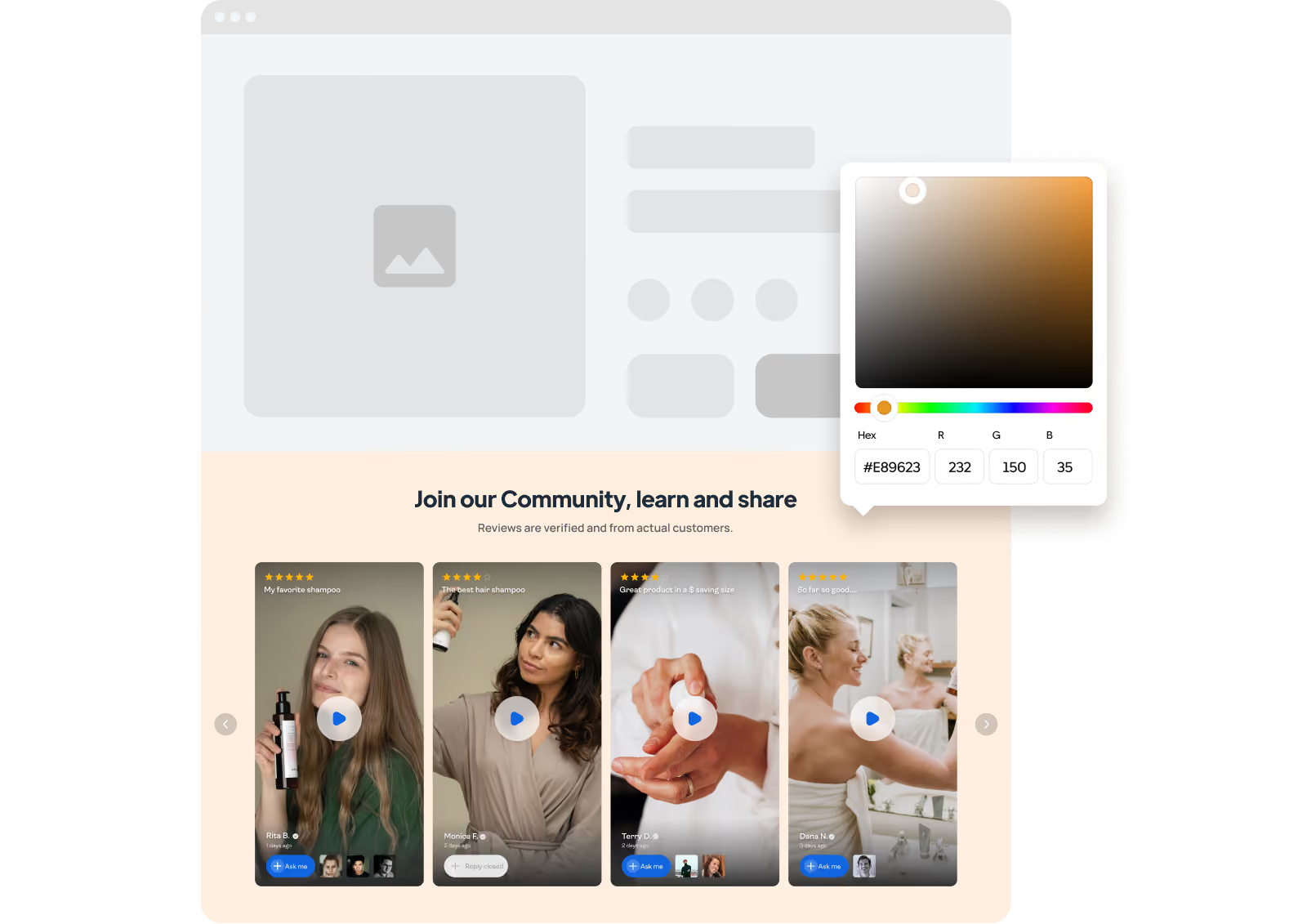
Our widget is like a chameleon. It blends into your site like it was born there. Customize the colors, fonts, and even the shape. Go on, make it yours!
Video, text, emojis!oh my! Serve up your conversations in all the flavors of the digital rainbow. Who wants one size fits all?
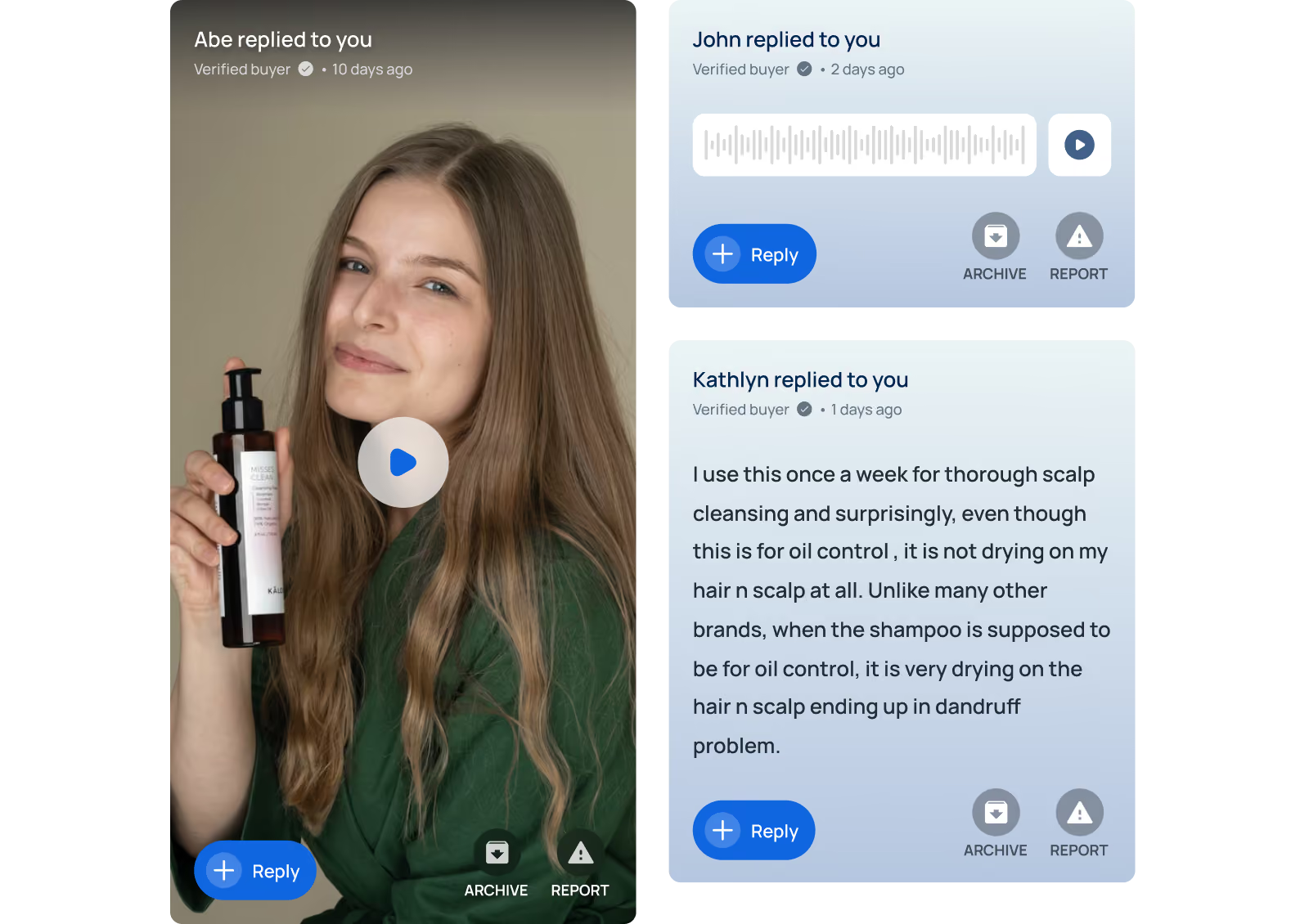
No worries! You have full control to moderate questions. If something feels off, you can easily decline it. No oddballs allowed, unless you want them!
Install Peers from the Shopify App Store, complete the setup in Shopify, then add the Peers app block or enable its app embed in your theme editor. Preview it and save your theme.
Yes. Peers helps Shopify brands collect post-purchase video reviews and shopper Q&A, moderate them, and publish them directly on product pages.
Peers loads video players and other assets on your storefront. The impact depends on your theme, placement and media, so preview it on mobile and check your storefront performance after enabling it.
FROM THE PEERS BLOG

How to invite, answer, moderate and publish shopper questions on Shopify product pages: practical etiquette rules, answer templates and a daily workflow.

Product-page Q&A or live chat on Shopify? See what each handles, the staffing it needs, and how to combine them to answer shopper questions and lift conversions.

Ready-to-use post-purchase Q&A prompts for Shopify stores: what to ask, when to send it, where answers go, and how to moderate them safely.


