4 Ways to Add Product Q&A on Shopify Without Theme Edits

Yes, product-specific Q&A belongs on Shopify product pages, especially when it works alongside curated FAQs rather than replacing them. Start with a Shopify app that exposes a theme app block if your theme runs on Online Store 2.0. Reach for custom metafields and Liquid only when you need something the standard block can’t do.
TL;DR:
- Adding product-specific Q&A improves trust and reduces cart abandonment, especially for products with sizing, compatibility, or technical ambiguities.
- Implementing Q&A via Shopify apps with theme app blocks offers a flexible, low-maintenance solution compatible with most themes and easy to reposition.
- Pre-populating staff answers before opening Q&A to customers helps build credibility and speeds engagement, which supports better early conversion rates.
- Designing Q&A sections to stay above the buy button, include filtering, and support mobile-friendly collapse enhances user experience and keeps shoppers engaged.
- Tracking conversion, support tickets, and engagement metrics over time confirms the impact of Q&A on sales and support volume, with rating improvements occurring months post-launch.
Table of Contents
- Why product Q&A helps conversions and support volume
- The hybrid pattern: merchant FAQs plus community Q&A
- How to add product Q&A on Shopify: your implementation options
- Design and placement rules that keep Q&A useful
- Moderation, incentives, and building trust in shopper answers
- Measuring whether your Q&A section is working
- What a Shopify-first Q&A build teaches you about trade-offs
- A Shopify-native way to run video reviews and shopper Q&A
- Sources
- FAQ
Why product Q&A helps conversions and support volume
Shoppers hesitate when they can’t tell if a product fits their situation, and that hesitation shows up as abandoned carts or a flood of near-identical support tickets. Public Q&A closes that gap by surfacing the exact questions other buyers already asked, often about sizing, compatibility, or technical specs the product description skipped.

Academic research on user-generated Q&A found that adding public product questions and answers is associated with rating gains of roughly 0.1 to 0.5 stars on products where buyers previously struggled to judge fit. That’s a meaningful signal for any store selling apparel, electronics with compatibility requirements, or anything with a size chart shoppers don’t trust.
Prioritize Q&A on:
- Products with ambiguous sizing or fit, like footwear and outerwear.
- Items with technical specs buyers need translated into plain language.
- SKUs generating repetitive pre-sale support tickets about compatibility or use cases.
The hybrid pattern: merchant FAQs plus community Q&A
Standalone FAQs go stale, and standalone community Q&A starts empty. The hybrid pattern, staff-written FAQs covering the predictable questions plus an open Q&A section for everything else, solves both problems at once. Research from Baymard found that community Q&A adds credibility and catches the odd edge cases a merchant would never think to write an FAQ for, while merchant answers keep the basics covered from day one.
There are two ways to seed the community side:
- Pre-populate new SKUs with staff-written questions and answers, then let real buyer questions take over as they accumulate.
- Open the section immediately to shoppers and moderate as answers come in, which builds authenticity faster but leaves early buyers seeing an empty widget.
Most stores get better early results starting with staff pre-population, then weaning off it as genuine buyer activity picks up.
Pro Tip: Trigger a post-purchase email or SMS asking recent buyers to answer one open question on the product page. It converts far better than a generic review request.
How to add product Q&A on Shopify: your implementation options
Shopify gives you four realistic paths, and picking the right one depends on how much theme flexibility you actually need.
- App with a theme app block: the app handles the logic and you drop the block into the theme editor. Shopify’s own documentation on theme app extensions confirms app blocks target sections directly, so there’s no Liquid editing required and the block can be repositioned any time.
- App embed block: better suited to floating widgets or global elements like a chat launcher than to inline product content, since embed blocks attach to the page’s head or body rather than a specific section.
- Custom metafields plus Liquid: full design control, but it means ongoing developer maintenance every time your theme updates.
- Shopify Inbox instant answers: useful for immediate chat-based self-service, capped at 100 predefined instant answers, but it isn’t a public, persistent Q&A archive that search engines or future shoppers can browse.
Before committing to an app-block approach, run through this checklist:
- Confirm your theme actually supports app blocks in the relevant product section, since older or heavily customized themes sometimes don’t.
- Open the theme editor and test the block placement live rather than trusting the app’s preview screenshots.
- Check the app’s moderation settings and confirm it outputs proper schema markup for search visibility.
For most stores, the app-block route is the lowest-risk starting point, and it’s worth reserving custom Liquid work for genuinely unique requirements rather than defaulting to it.
Design and placement rules that keep Q&A useful
Q&A should feel like an information layer, not a wall of text competing with your buy button. Keep the main product description tight and let the Q&A section carry the depth, placed just below key specs or tucked into a collapsible panel near your FAQ anchor.
- Place the block near sizing charts or spec tables where fit-related questions naturally arise.
- Never let a Q&A overlay cover the add-to-cart button or price on mobile.
- Add search and filtering so shoppers can find their exact question instead of scrolling.
- Sort by “most helpful” and show metadata like verified buyer status and answer date.
- Test expand and collapse behavior on narrow screens before launch, since cramped mobile Q&A widgets are a common complaint.
Pro Tip: If your theme supports collapsible accordions elsewhere on the page, reuse that same pattern for Q&A so the interaction feels familiar rather than bolted on.
Moderation, incentives, and building trust in shopper answers
Unmoderated Q&A degrades fast, so set up a queue before you launch rather than after a problem surfaces.
- Route new questions and answers through a moderation queue with auto-filters for spam and profanity before anything goes live.
- Keep a short set of staff reply templates ready for common questions so gaps don’t sit unanswered for days.
- Offer small incentives, loyalty points or a discount code, for buyers who answer open questions post-purchase.
- Display “verified buyer” labels, allow upvotes on helpful answers, and log timestamps and edit history so shoppers can see the record is genuine.
Pro Tip: A visible staff endorsement on a strong community answer does more for trust than a dozen unlabeled responses.
Measuring whether your Q&A section is working
Track a handful of numbers before and after launch rather than judging the widget on instinct.
- Conversion rate on Q&A-enabled product pages against a control group of similar SKUs without it.
- Support ticket volume tagged to product questions, which should drop as the archive fills in.
- Return rate, average order value, and time on page for affected products.
Run an A/B test comparing staff pre-population against an open community model on similar SKUs to see which seeds engagement faster. Engagement typically shows up within a few weeks, but ratings and return-rate shifts take longer to confirm since they depend on enough buyers cycling through the product. Academic tracking of Q&A adoption found rating changes in the 0.1 to 0.5 star range emerging over the months following rollout, not immediately.
What a Shopify-first Q&A build teaches you about trade-offs
Building on theme app extensions instead of custom code means fewer late-night fixes after a theme update. A theme app block keeps your Q&A section portable: reposition it in the editor, and it just works. Custom builds and video-based Q&A formats are where a specialized app, not a generic Liquid snippet, earns its keep.
— Leo
A Shopify-native way to run video reviews and shopper Q&A
If you want shopper Q&A that goes beyond text, some Shopify apps embed post-purchase video reviews and buyer Q&A directly on the product page, built specifically for Shopify rather than adapted from a generic platform. Because some apps run on Shopify’s theme app extension model, placement can stay simple and updates may not break your theme.
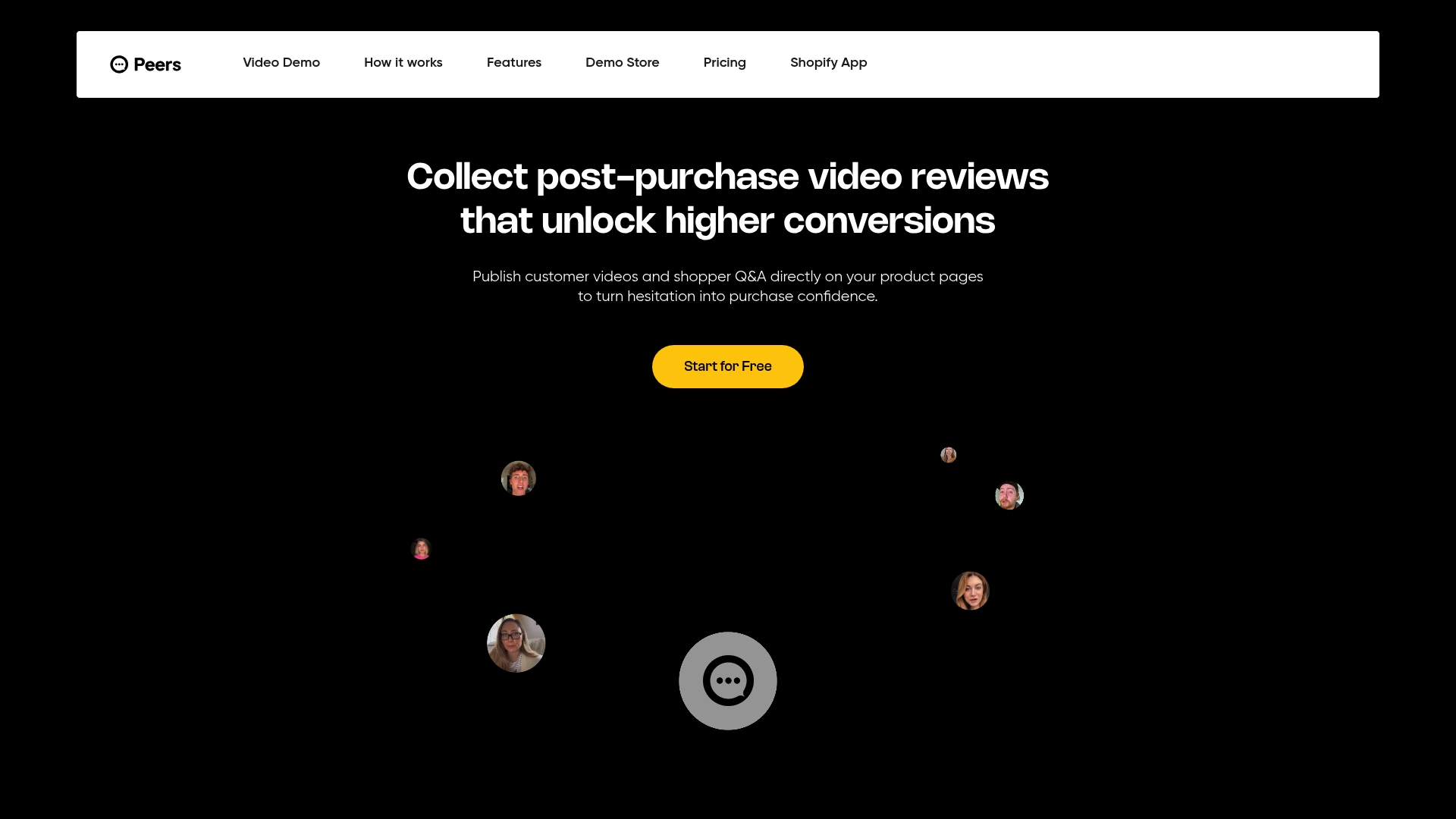
- Post-purchase video reviews can be shown alongside shopper Q&A on the same product page.
- Moderation tools may allow approving, hiding, or featuring answers before they go live.
- Customizable design options may match your theme without custom code.
- Analytics features can help track engagement across products.
Some apps offer free plans for testing the widget on a live store, and paid plans typically support stores running ongoing video Q&A at scale. Current prices are available on the pricing page.
The Shopify SEO Automation guide covers how persistent, indexable product content like this supports long-term discoverability, which is worth reading alongside your Q&A rollout.
Take a look at Peers on the Shopify App Store and try the free plan on one product page before deciding whether to expand it store-wide.
Sources
- Product Page UX: Provide Both Site-Authored FAQs and Community-Driven Q&As (70% Get it Wrong) – Baymard
- About theme app extensions
- Set up instant answers for Shopify Inbox
- Interacting User-Generated Content Technologies: How questions and answers affect consumer reviews
FAQ
Does adding Q&A to product pages actually improve conversions?
It tends to help most on products where buyers struggle to judge fit or specs from photos alone, since Q&A resolves the exact doubt that causes cart abandonment. Research on user-generated Q&A found rating improvements of roughly 0.1 to 0.5 stars on affected products, which points to a real trust effect rather than just added content.
What’s the easiest way to add Q&A without editing my theme?
Install a Shopify app that exposes a theme app block, then drag it into position using the theme editor. Shopify’s own theme app extension documentation confirms this method avoids Liquid edits entirely, which keeps future theme updates from breaking your setup.
Is Shopify Inbox enough for handling product questions?
Inbox instant answers are built for immediate chat responses, capped at 100 predefined answers, and they don’t create a public, searchable archive on the product page itself. A persistent product Q&A section and Inbox solve different problems and work well used together.
Should I use staff-written answers or open community Q&A first?
Pre-populating new products with staff answers avoids the empty-widget problem while community answers accumulate. Once genuine buyer questions start coming in, most stores let community answers take over as the primary source.
Can Peers replace my existing FAQ page?
No, Peers is built to add shopper Q&A and post-purchase video reviews directly on the product page, working alongside a merchant-authored FAQ rather than replacing it. The hybrid of both, as Baymard’s research recommends, tends to outperform either one alone.