Q&A vs Live Chat on Shopify: Which Do You Need?

Product-page Q&A and live chat answer the same shopper doubt in two different ways. Q&A answers it once, in public, on the product page, so every later visitor sees the answer. Live chat answers it one person at a time, in real time, and needs someone available to reply. For most Shopify products, the same few pre-purchase questions come up again and again, which makes Q&A the format that scales. Live chat earns its place where purchases are expensive, complex or tied to orders already placed.
This guide compares the two on what they do, what they cost you in time, and when each one fits. It ends with a simple way to run both without doubling your workload.
TL;DR
- Q&A is a public, permanent record of shopper questions on the product page. Live chat is a private, real-time conversation with one visitor.
- A standard product under a few hundred dollars tends to raise the same three to five questions, and a page can answer them.
- Live chat suits high-ticket, configurable products and order support. It needs staffing and careful placement, especially on mobile.
- The strongest setup uses chat to discover objections and Q&A to publish the answers where every visitor can see them.
- Peers adds post-purchase video reviews and shopper Q&A to Shopify product pages, with moderation and customizable design.
Table of Contents
- What is the difference between Q&A and live chat?
- What shoppers actually need from a product page
- How each one affects trust and conversion
- What each option asks of your team
- When to choose which
- Using both: chat finds the objections, Q&A publishes the answers
- Add Q&A to your Shopify store with Peers
- A simple setup plan for this month
- FAQ
- Sources
What is the difference between Q&A and live chat?
The difference is who benefits from each answer and when.
Product-page Q&A is a section on the product page where shoppers ask questions and get answers that stay visible. The next visitor with the same doubt reads the answer without asking. Over time the section becomes a library of the real concerns your buyers have, in their own words.
Live chat is a messaging window where a visitor talks to a human agent, a bot, or a mix of both, in real time. The answer is useful to that one person in that moment. Unless you copy it somewhere, nobody else benefits.
That single distinction drives almost everything else in this comparison: effort, scale, trust and what you learn.
| Product-page Q&A | Live chat | |
|---|---|---|
| Visibility of answers | Public, stays on the page | Private, one conversation |
| Timing | Asynchronous, answered once | Real time, answered every time |
| Who benefits | Every future visitor | The visitor chatting |
| Staffing | Answer new questions as they arrive | Someone available during chat hours, or automation |
| Best for | Repeatable pre-purchase questions | Complex, high-ticket or order-related questions |
| What you learn | A visible map of buyer concerns | Private transcripts to mine |
What shoppers actually need from a product page
Shoppers use a product page to decide whether an item suits their needs. Nielsen Norman Group’s ecommerce research found that insufficient product information leaves people unable to decide, and it recommends descriptions, images and video to answer their questions and help them understand the product.
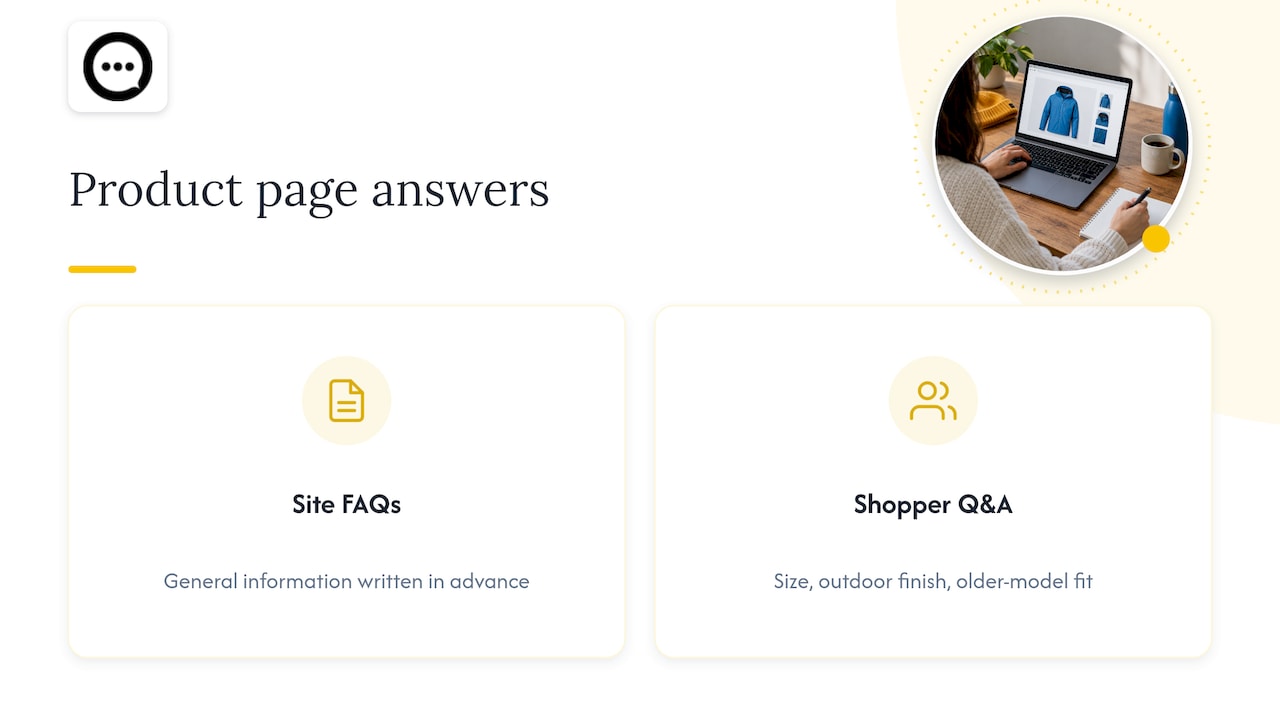
That is where Q&A fits. Baymard’s product-page research says pages should offer both site-authored FAQs and community-driven Q&A. The two do different jobs. Your FAQ carries general information you write in advance. Shopper questions reveal the specific concerns you did not anticipate: whether a size runs small, whether a finish holds up outdoors, whether a part fits an older model.
If you are still deciding how the two relate, our breakdown of Q&A vs FAQ on Shopify covers what each does best. For a look at the questions themselves, see what shoppers ask before they buy.
Questions Q&A handles well
- Sizing, fit, dimensions and compatibility
- Materials, care and durability
- Shipping times, returns and what is in the box
- “Is this right for my situation?” questions that other buyers can answer from experience
These are repeatable. Once answered, they stay answered. When a verified customer replies, the answer carries the weight of real use, which is the kind of trust a product description alone cannot build.
Questions live chat handles well
- “Will this fit my exact setup?” on configurable or technical products
- Conversations around a purchase that costs a lot and needs reassurance
- Order status, delivery changes and returns after purchase
The RevenueFlows analysis describes live chat as strongest for high-ticket and considered purchases, complex products and post-purchase support, citing examples like a $2,400 sofa or a $900 e-bike.
How each one affects trust and conversion
Both formats work by removing ambiguity. A shopper who hesitates is usually missing one piece of information, and the faster they find it, the more likely they are to continue.
There is academic support for the speed side of this. A 2023 PACIS study on an online labor market tested whether faster live-chat replies reduce refund intention by reducing ambiguity and cognitive dissonance. The setting was a labor marketplace rather than a Shopify store, so treat it as a signal about how clarity works, not a promise of results for your shop.
Public Q&A reaches the same goal differently: the answer is already there when the shopper arrives, so there is no waiting at all. And because it is visible to everyone, it works for the large share of visitors who would never open a chat window. According to RevenueFlows, on most Shopify stores only a single-digit percentage of visitors open the chat widget. A section on the page itself is seen by the rest.

For more on how questions connect to sales, read what works for shopper questions and conversion and our guide to turning product questions into sales.
What each option asks of your team
This is where store owners often decide.
Q&A: asynchronous and batchable
You answer questions when they arrive, in a batch, with no schedule to keep. Answers can be quick and polished because nobody is waiting on a screen. The work you do compounds: one good answer serves every future visitor. The housekeeping is moderation, which means approving what appears, keeping spam out and making sure customer content is published with permission. We cover both in preventing Q&A spam and publishing Q&A with consent.
Live chat: availability is the product
Chat promises an immediate reply, so it needs coverage during the hours you advertise, or automation to fill gaps. A University of Hawai‘i study of 208 online-store chat conversations found similar satisfaction for fully AI-driven and human-AI hybrid chat. In the hybrid setup, agents could edit, reject or replace AI drafts when they were inaccurate. The takeaway for a small team: if you run chat, decide who reviews and corrects what the automation says.
Placement matters too. Baymard’s usability research found that three popular ways of implementing live chat are often highly disruptive, particularly on mobile, where intrusive patterns can interrupt product exploration. If you use chat, keep the launcher unobtrusive so it does not cover the product page content shoppers came to read.
When to choose which
Use these situations as a quick guide.
- Your products are standard and under a few hundred dollars. Start with Q&A. The same few questions recur, and public answers cover them for everyone.
- Your products are high-ticket or configurable. Offer chat for the personal conversation, and publish what you learn as Q&A.
- You have a small team. Q&A fits a batch routine and does not require someone to be online.
- Returns are eating margin. Clear public answers about fit, size and use set expectations before the order. See how to reduce returns with Q&A.
- Most traffic is on mobile. Content that lives in the page flow is easier to read than a window layered over it.
The point is not that one format replaces the other. It is that they sit at different stages. Chat is a conversation. Q&A is a record.
Using both: chat finds the objections, Q&A publishes the answers
The most practical workflow comes straight from the research: run chat for a few weeks to identify objections, then move the answers onto the page.
Here is how that looks in practice:
- Read your recent chat transcripts or support emails.
- List the questions that appear more than twice.
- Write a clear answer to each and publish it in the product’s Q&A section.
- Keep chat for what remains: unusual cases, high-value orders and order support.
- Review monthly. When a new question repeats, add it to the page.
The result is fewer repeat conversations and a product page that handles hesitation before a shopper ever looks for a chat button.
If you also want these question-led pages to be found, the Shopify SEO, AEO and GEO guide covers how store content reaches search and AI answer engines.
Our perspective
We built Peers around one belief: the best answer to a shopper’s doubt is one another shopper can see. Most hesitation is not about your brand. It is about a single practical question, and the person best placed to answer it is often a verified customer who already owns the product.
That is why Peers puts shopper Q&A and post-purchase video reviews directly on the product page. A written answer is useful, and a customer showing the product on video is more convincing still. Each answer stays on the page and keeps working for every visitor after.
We focus only on Shopify, so setup is simple, moderation is in your hands and the design can match your theme. Your team decides what gets published, and the analytics show how shoppers engage with it. For a store with repeatable questions, that is a calm, scalable way to build confidence without staffing a window all day.
Leo
Add Q&A to your Shopify store with Peers
Peers is a Shopify app that embeds post-purchase video reviews and shopper Q&A on your product pages. It includes moderation tools, customizable design, mobile compatibility and analytics for engagement. There is a Free plan, and Peers Growth is $15 per month.
You can install it from the Peers page on the Shopify App Store. If you want to know how installation works without touching your theme code, read 4 ways to add product Q&A on Shopify without theme edits. Once questions start coming in, public answers and video replies let you respond to many shoppers at once.
A simple setup plan for this month
Week 1. Collect the ten most common questions from your inbox and any chat logs. Pick your five best-selling products.
Week 2. Publish answers to those questions on the matching product pages. Check that the section is easy to find on mobile.
Week 3. Invite recent buyers to answer shopper questions or share a short video. Review everything before it goes live.
Week 4. Look at which questions get the most engagement. Turn the top ones into product copy, images or a short video, as NN/G suggests, and repeat the cycle.
Keep the routine small. A short monthly review beats an ambitious system nobody maintains. If you also collect video feedback, our comparison of video testimonials vs reviews explains where each belongs on the page.
FAQ
Is Q&A better than live chat on Shopify?
They solve different problems. Q&A works best for repeatable pre-purchase questions because one answer serves every visitor. Live chat suits complex, high-ticket or order-related conversations. Many stores start with Q&A on the product page and add chat only where conversations justify it.
Can I use Q&A and live chat together?
Yes, and they complement each other. Chat reveals the questions shoppers actually have, and Q&A publishes the answers on the page. Over time, fewer conversations repeat the same points and your team can focus on the unusual ones.
Does product Q&A need someone online all day?
No. Q&A is asynchronous, so you answer questions in batches when they arrive. You do need to moderate what is published and keep spam out, which a moderation tool makes manageable for a small team.
Do I have to edit my theme to add Q&A?
Not necessarily. Peers is built as a Shopify app that embeds on the product page, and it is designed so you can customize the look to fit your store. Our guide on adding Q&A without theme edits walks through the options.
Sources
- Does Live Chat Increase Shopify Conversion Rate? The Data (RevenueFlows)
- Product Page UX: Provide Both Site-Authored FAQs and Community Q&A (Baymard Institute)
- These Three (Popular) Approaches to Implementing Live Chat (Baymard Institute)
- UX Guidelines for Ecommerce Product Pages (Nielsen Norman Group)
- Impacts of Live Chat on Refund Intention (PACIS 2023)
- “I want to talk to a human!” study (University of Hawai‘i)
- Shopify SEO, AEO and GEO Academy