Shopify Q&A Consent: 3 Ways to Publish Without Overstepping

Yes, you can publish customer questions and answers on your Shopify product pages, and in most cases simply asking the customer and getting a clear yes is enough. The line that matters is reuse: once you take that Q&A beyond the product page, into ads, email, or social posts, you need separate, explicit permission. The compliance section below covers the legal nuance in full.
TL;DR:
- Product page approval does not cover reuse in ads, email, or social posts; obtain separate written consent that names channels, duration, and revocation method.
- Log each consent with the customer ID, order ID, and timestamp; third party content also needs a product ID to qualify for Shop channel display.
- Since October 21, 2024, FTC rules prohibit suppressing negative Q&A, faking or manipulating answers, and hiding incentives; disclose material connections clearly beside the content.
- Document edits, preserve the original context, and link moderation actions to the consent record; seek legal counsel for incentive programs or cross border campaigns.
Table of Contents
- Quick consent checklist before you publish a customer’s Q&A
- How to collect and record consent on Shopify
- Copy-ready consent prompts and disclosure text
- Compliance essentials: FTC and Shopify rules for Q&A publishing
- What most Q&A compliance advice gets backward
- Peers: capture verified consent and publish Q&A on Shopify
- FAQ
- Sources
Quick consent checklist before you publish a customer’s Q&A
Before any question or answer goes live on a product page, run it through a short gate. This keeps your records audit-ready and protects you if a customer later asks why their words appear somewhere they did not expect.
- Confirm you have explicit permission to publish the Q&A on the product page, either through a checkbox or a recorded acceptance in your post-purchase flow.
- Get separate, written consent before reusing the content in email, ads, or social media, since product-page permission does not automatically extend there.
- Require disclosure of any incentive or material connection (discount, free product, affiliate status) and log that disclosure with the consent record.
- Record the customer ID, order ID, and timestamp for every consent event so you can produce evidence if a question comes up later.
Shopify’s own guidance on user-generated content makes a similar distinction: always ask for explicit permission before repurposing customer content, and credit the person when you share it. Treating “publish on page” and “repurpose elsewhere” as two separate permissions, rather than one blanket agreement, is the single habit that prevents most disputes.
How to collect and record consent on Shopify
Three practical flows cover most stores, and none require custom development.
- Post-purchase widget or checkout app: add a short checkbox at checkout or in a post-purchase app screen, tied directly to the order, asking whether the customer agrees to have their question or answer shown on the product page.
- Email follow-up after delivery: send a short message once the order arrives, asking for permission to publish their Q&A, and save the reply alongside the order’s metadata so it is traceable later.
- Review and Q&A apps with built-in consent fields: use apps that capture a consent flag and sync it with verified identifiers rather than relying on a separate spreadsheet.
That third option matters more than it sounds. Shopify’s sync requirements state that partner-collected reviews need a Customer ID, Order ID, and Product ID before they are eligible to display in the Shop channel. Apps that skip this mapping will have content rejected, so building the ID link into your consent capture from day one saves rework.
Store the consent record itself in customer metafields, your app’s datastore, or a periodic CSV export, whichever your current stack supports. The format matters less than the link: every consent entry should point back to an order ID, because that is what turns a vague “they said it was fine” into a verifiable record if a customer disputes it months later. For store owners who want to add a widget without touching theme code, a step-by-step setup guide walks through placement options.
Pro Tip: Tie every consent record to an order ID from the start. Retrofitting that link after a dispute is far harder than capturing it at checkout.
Copy-ready consent prompts and disclosure text
You do not need a lawyer to write a usable consent line. A few short, honest sentences cover most situations.
- Checkbox copy for product-page publishing: “Yes, you may publish my question and answer on this product page.”
- Long-form permission for marketing reuse: specify what content, where it will appear (ads, email, social), how long you intend to use it, and how the customer can revoke permission, for example by replying to a confirmation email.
- Incentive disclosure sample: “We gave this customer a discount in exchange for an honest review” placed directly beside the Q&A, not buried in a footer.
- Placement guidance: put disclosures in contrasting text near the content they describe, not in small print at the bottom of the page.
The FTC’s Consumer Reviews and Testimonials Rule, effective October 21, 2024, requires that disclosures about material connections be clear and conspicuous, not hidden behind extra clicks or vague language. A disclosure that a shopper has to hunt for does not count as a disclosure. Keep the wording plain enough that a first-time visitor understands the relationship in one glance.
Compliance essentials: FTC and Shopify rules for Q&A publishing
A few rules do most of the work in keeping your Q&A program defensible.
- The FTC’s rule prohibits suppressing negative Q&A content, manipulating public perception of a product through fake or edited answers, and failing to disclose material connections between you and the person answering.
- Shopify’s guidance asks merchants to get explicit permission before repurposing user-generated content and to follow the Shop channel’s partner requirements when syncing Q&A or reviews from a third-party app.
- Document any edits to a customer’s question or answer, preserve the original context, and tie moderation actions to the same consent record so the full history is traceable.
- Bring in legal counsel when you plan large-scale incentive programs, cross-border campaigns, or repurposing that goes well beyond the product page, since those situations carry more regulatory exposure than a single checkbox can cover.
Moderation and consent are often treated as separate tasks, but they are really one record. A Q&A you edited for clarity, without noting what changed, is harder to defend than one you left untouched, even if the edit was harmless.
What most Q&A compliance advice gets backward

Most guidance on this topic treats consent as a legal formality, a box to check once and forget. That framing misses the actual risk. The real exposure is not the missing checkbox, it is the gap between what a customer agreed to and what you later did with their words. A shopper who said yes to a product-page question showing up in a retargeting ad six months later did not actually consent to that, even if your form technically covered it in fine print.
The fix is not more legal language. It is narrower, plainer permission requests asked closer to the moment of use. Ask for product-page publishing at the time of purchase. Ask again, specifically, before you ever move content into ads or email. That second ask feels like extra friction, but it is the one step that keeps your Q&A program honest rather than just technically compliant. Store owners who skip it are not saving time, they are deferring a harder conversation to whenever a customer notices and objects.
— Leo
Peers: capture verified consent and publish Q&A on Shopify
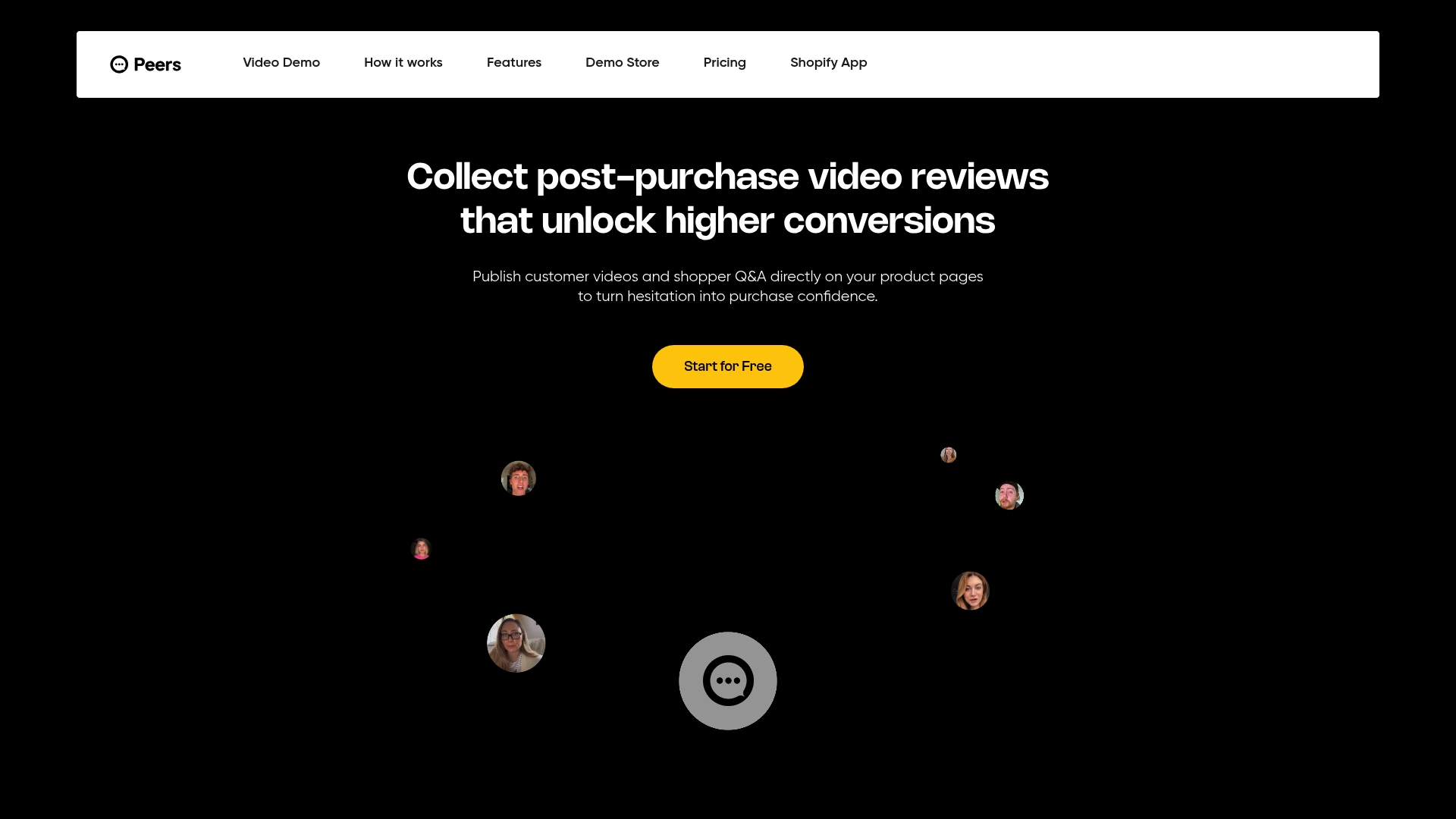
Running consent checks by hand across spreadsheets and email threads gets harder the more Q&A you publish, which is the exact problem we built Peers to solve. Our widget embeds verified shopper Q&A and post-purchase video reviews directly on your product pages, with every submission tied to a real order rather than an anonymous form entry.
- We verify each Q&A submission against the original order before it goes live, so you are not guessing whether a response came from a real buyer.
- Moderation and consent logs live in one place, which cuts the manual audit work down to a single screen instead of several tools.
- Setup takes minutes, with no theme code required, and our Free plan lets you try the workflow before committing to a paid plan.
If you want to see the Q&A and video review flow before installing anything, our demo store shows the shopper-facing side end to end. When you are ready to add it to your own store, install Peers from the Shopify App Store and start capturing verified consent on your next order.
FAQ
Do I need permission to publish a customer’s Q&A on Shopify?
Yes, you generally need some form of explicit permission, even if it is as simple as a checkbox agreeing to have the answer shown on the product page. Shopify’s own guidance on user-generated content recommends asking before you publish or reuse anything a customer wrote.
When do I need separate consent beyond the product page?
You need separate, explicit consent any time you move a Q&A beyond the product page, such as into email campaigns, paid ads, or social posts. Product-page permission does not automatically cover those other channels under Shopify’s repurposing guidance.
What does the FTC require for customer Q&A and reviews?
The FTC’s Consumer Reviews and Testimonials Rule, effective since October 2024, prohibits suppressing negative content, faking reviews, and hiding material connections like discounts given in exchange for an answer. Disclosures about those connections must be clear and placed where shoppers will actually see them.
How should I store consent records for Shopify Q&A?
Store each consent event with the customer ID, order ID, and a timestamp, whether in customer metafields, your app’s datastore, or an exported file. Tying consent to the order ID matters because Shopify’s sync requirements for partner apps already require verified order and customer identifiers before content can display in the Shop channel.
Can an app like Peers help manage Q&A consent on Shopify?
Yes, apps built for this purpose can tie consent directly to verified orders and keep moderation logs in one place, which reduces manual audit work. Peers, for example, embeds verified post-purchase Q&A and video reviews on product pages with order-level verification built in.
Sources
- The Consumer Reviews and Testimonials Rule: Questions and answers | Federal Trade Commission
- User Generated Content (UGC): Benefits and Examples (Shopify blog)