Shopify: FTC Endorsement Rules and Copy Ready Disclosures

Short answer: if you endorse or feature products on Shopify or social media, you must disclose any material connection clearly and conspicuously where consumers will see it. That means visible, unavoidable labels like “ad” or “paid partnership,” repeated across video and audio when needed, not buried in hashtags or bios. The FTC’s updated rule on consumer reviews also tightened what counts as a fake, incentivized, or misleadingly independent review.
TL;DR:
- Disclosures must be placed directly with endorsements, using simple and clear language like “ad” or “sponsored,” and not hidden in hashtags or bios.
- Product reviews affected by incentives or provided by insiders must accurately reflect actual experiences and disclose relationships to avoid misleading consumers.
- Shopify merchants should require affiliates and influencers to follow strict disclosure rules, document attestations, and monitor content for compliance.
- On product pages, reviews and disclosures should be near the review widget or “add to cart” button, with on-screen and spoken disclosures for video content.
- Peers offers verified customer reviews and video testimonials for Shopify stores, supporting compliance and authentic engagement without deceptive impressions.
Table of Contents
- Core FTC rules on material connections and clear disclosures
- How to place disclosures on product pages, email, and social content
- What changed under the FTC’s consumer reviews and testimonials rule
- Managing affiliates and influencers without creating legal exposure
- Ready-to-use disclosure templates and a quick checklist
- How Peers helps Shopify stores display reviews without creating a deceptive impression
- Transparency is a conversion strategy, not just a compliance cost
- Peers on the Shopify App Store: a compliant way to display reviews
- Sources
- FAQ
Core FTC rules on material connections and clear disclosures
A “material connection” is anything that might affect how much weight a consumer gives an endorsement: a payment, a free product, an affiliate commission, an employee relationship, or early access to a product. If a shopper would not reasonably expect that connection on their own, you have to spell it out. A Shopify merchant paying an influencer in product credit, a store owner featuring their own staff’s “customer” review, and an affiliate linking to a product for commission all trigger the same obligation.
“Clear and conspicuous” has a specific meaning under 16 CFR Part 255, the FTC’s Endorsement Guides. Disclosure must be placed with the endorsement itself, not on a separate page, and it must use language ordinary consumers understand immediately. For video and audio content, the Guides expect disclosures that are hard to miss, not technically present but easy to scroll past.
Acceptable disclosure language is short and direct:
- “Ad” or “Advertisement” at the start of a sponsored post
- “Sponsored” or “Paid partnership with [brand]”
- “I earn a commission on purchases through this link”
- “Thanks to [brand] for the free product”
Vague shorthand like “sp,” “spon,” or a thank-you with no explanation generally fails the standard, since ordinary consumers will not parse the abbreviation. Platform-native disclosure tools, like Instagram’s “Paid Partnership” tag or YouTube’s sponsorship checkbox, help but are not a substitute for the merchant’s own clear language. The FTC’s Disclosures 101 guide treats built-in platform labels as useful reinforcement, not a stand-alone compliance solution, because they can be inconsistent across apps or easy for a viewer to overlook.
How to place disclosures on product pages, email, and social content
Rules only matter once they translate into where text actually sits on a page or screen. Here is how to apply them across the formats Shopify merchants use most.
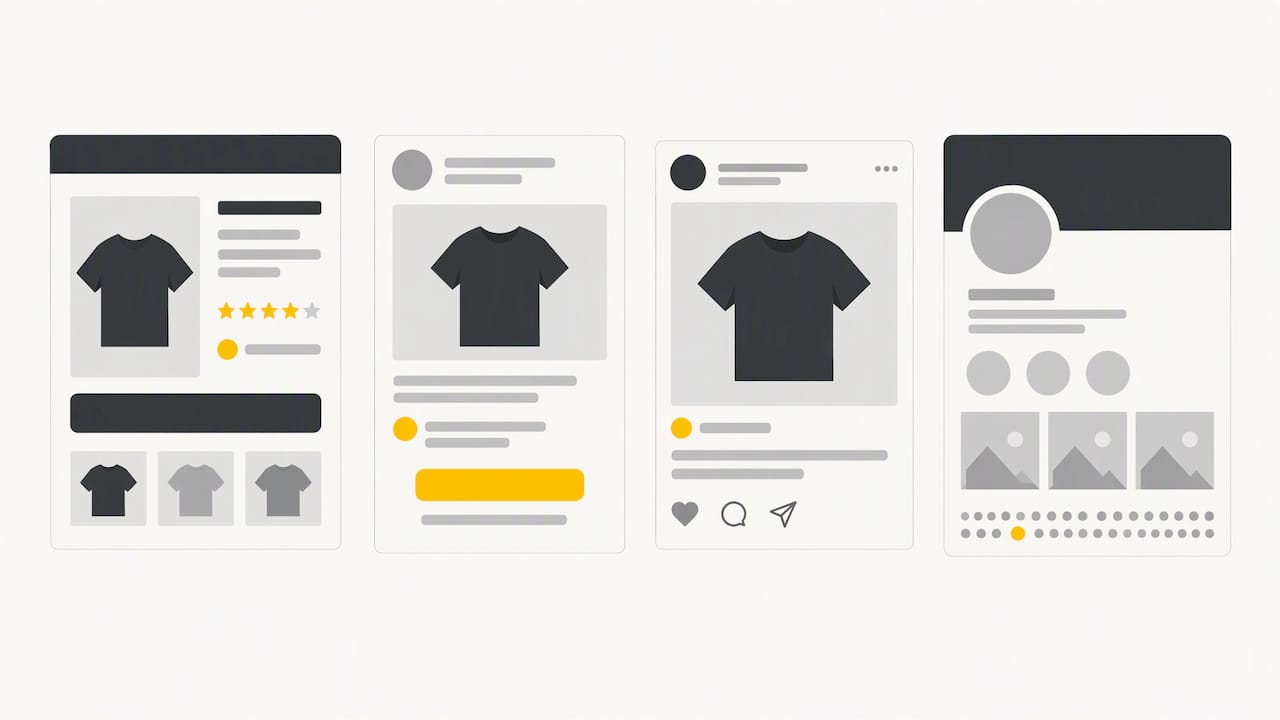
- Product pages. Place disclosure language near the review widget or directly above the “add to cart” button when the content includes affiliate links, sponsored reviews, or incentivized testimonials. A one-line note like “Some reviews below were provided in exchange for a discount” placed at the top of the review section is clearer than a footer disclaimer nobody scrolls to.
- Video and live stream content. Superimpose text disclosure on screen for the duration a viewer needs to read it, and say the disclosure out loud as well. For long-form or live content, repeat the disclosure periodically rather than stating it once at the start, since viewers join midway through.
- Social posts. Put the disclosure in the image or video itself, not only in the caption, and definitely not as the eighth hashtag in a block of twenty. A caption-only disclosure is acceptable only if it appears before the “more” cutoff on the platform.
- Email and newsletters. State the relationship in the body of the email, near the product mention or link, using the same plain labels you would use on social media: “This email contains affiliate links” works better than legal boilerplate in a footer.
Pro Tip: Treat every disclosure like a caption, not a disclaimer: write it so a distracted reader catches it without trying.
The FTC’s Disclosures 101 guide for influencers specifically calls out burying disclosures in a profile’s About section or in a wall of hashtags as ineffective, since consumers encountering the content in a feed never see either one.
What changed under the FTC’s consumer reviews and testimonials rule
The FTC’s final rule on consumer reviews and testimonials closed several gaps that review-heavy e-commerce stores had been operating in gray areas around. The rule applies directly to how Shopify merchants collect and display feedback.
- It prohibits writing, buying, or otherwise procuring reviews that misrepresent a real customer’s experience, including fake reviews generated without any underlying purchase.
- It bans incentives that are conditioned on a review being positive, meaning a discount offered only if the customer leaves five stars is off limits, even if the discount itself is disclosed.
- It restricts company insiders, employees, or owners from posting reviews of their own products without disclosing the relationship, and it bars presenting a company-controlled site as an independent review source.
For merchants, the practical takeaway is that provenance now matters as much as content. A review’s text has to reflect an actual experience, the reviewer’s relationship to the brand has to be disclosed if it exists, and any review incentive has to be sentiment-neutral, offered whether the customer writes a glowing review or a critical one. Moderation practices that quietly filter out negative reviews while publishing only positive ones sit close to the line this rule draws.
Managing affiliates and influencers without creating legal exposure
Most disclosure failures on Shopify stores do not come from the merchant’s own content. They come from affiliates and influencers who were never given clear rules. Building a short governance process closes that gap.
- Write disclosure requirements into your program terms. Specify the exact language affiliates must use, where it has to appear, and that platform-native tags are not sufficient on their own.
- Require an attestation at onboarding. A short form where the affiliate confirms they understand the disclosure requirement, paired with two or three example posts, catches most misunderstandings before content goes live.
- Monitor for anomalies, not just violations. Sudden spikes in referral traffic with no visible disclosure, or a wave of five-star reviews tied to a single promotion, are signals worth checking manually.
- Keep a record. Save attestations, screenshots of disclosed content, and any correction correspondence, since documentation is what demonstrates good faith if a complaint ever surfaces.
Pro Tip: Build disclosure review into the same checklist you use for brand voice and image quality, so it never gets treated as a separate, skippable step.
Shopify’s affiliate compliance guidance recommends this same combination of attestations and ongoing monitoring as the baseline for reducing fraudulent or deceptive endorsements before they reach customers. When a violation does happen, the remedy is usually simple: ask for the disclosure to be added or corrected, and remove the content if the affiliate refuses.
Ready-to-use disclosure templates and a quick checklist
Before publishing any sponsored or affiliate content, run it against a short list:
- Is the disclosure placed with the endorsement, not on a separate page?
- Does it use plain language like “ad” or “sponsored” instead of shorthand?
- Is it duplicated in audio for video content, and repeated for long or live formats?
- Is there a record of the affiliate’s attestation on file?
Copy-ready language for common situations:
- Product page sponsored review: “This review was provided by a paid partner. Ad.”
- Affiliate link: “This page contains affiliate links. We may earn a commission on purchases.”
- Social post: “Paid partnership with [brand]. #ad”
- Influencer video: on-screen text plus spoken line, “This video is sponsored by [brand].”
A short label is enough when the connection is simple, like a standard affiliate commission. Add a full explanatory sentence when the incentive is more unusual, such as a free product given in exchange for a guaranteed positive review, since merchants face real enforcement risk under the FTC’s Consumer Reviews and Testimonials rule when incentives are tied to sentiment rather than disclosed plainly.
How Peers helps Shopify stores display reviews without creating a deceptive impression
Peers is built specifically for Shopify stores that want customer feedback to look and feel real, not curated. Its post-purchase video review and shopper Q&A tools support a workflow intended to align with FTC expectations:
- Reviews are collected after a verified purchase, giving each one a clear provenance trail.
- Video testimonials from customers replace anonymous text reviews, which can be harder for shoppers to misattribute.
- Moderation tools let merchants manage which reviews display with transparency about review content.
- Shopper Q&A lets buyers answer questions, providing a more interactive review experience.
A compliant workflow looks like this: verify the purchase, flag any review tied to a discount or free product, then display it with a short disclosure label sitting next to the review itself, not buried in a terms page.
Transparency is a conversion strategy, not just a compliance cost
Treating disclosure as a box to check misses the bigger point; integrating Shopify SEO Automation ensures that compliance supports long-term trust and search visibility. Shoppers who see a labeled, verified review trust it more than an anonymous five-star rating with no context, and that trust is what actually moves someone from browsing to buying. Compliance and conversion are not competing goals here, they are the same goal approached from two directions. The merchants who get ahead of this rather than reacting to a complaint tend to treat their review policy as something to refine quarterly, not something to set once and forget.
— Leo
Peers on the Shopify App Store: a compliant way to display reviews
If you run a Shopify store and want customer reviews that feel authentic rather than scripted, Peers gives you post-purchase video reviews and shopper Q&A embedded directly on your product pages, with moderation tools built in so you control what displays without hiding the reviews that matter.
- There is a free plan that allows embedding verified reviews with no upfront cost.
- A paid plan offers additional moderation and display tools suitable for stores with higher review volumes.
- Tools help surface real feedback, but they do not replace your own disclosure language when a review ties to an incentive or partnership.
Check out Peers on the Shopify App Store to see how it fits into your product pages.
Sources
- Disclosures 101 for Social Media Influencers
- 16 CFR Part 255 – Guides Concerning the Use of Endorsements and Testimonials in Advertising
FAQ
What are FTC endorsement guidelines?
The FTC’s endorsement guidelines, formally 16 CFR Part 255, require anyone endorsing a product to disclose a material connection to the brand when consumers would not reasonably expect it. This covers payments, free products, affiliate commissions, and employment relationships.
What are the FTC rules for affiliate marketing?
Affiliates must clearly disclose that a link earns them a commission, placed near the link itself rather than in a separate disclosure page. Shopify’s guidance also recommends merchants build clear program rules and monitor affiliates to confirm they are disclosing consistently.
How do I disclose FTC-sponsored content?
Use plain, visible language like “ad,” “sponsored,” or “paid partnership with [brand]” placed directly on the content, not just in a caption or bio. For video, pair on-screen text with a spoken disclosure, and repeat it for long or live formats as outlined in the FTC’s Disclosures 101 guide.
What are three of the FTC guidelines on disclosure for online marketers?
Disclosures must be clear and conspicuous, placed with the endorsement rather than hidden on another page, and stated in language ordinary consumers understand rather than shorthand. The FTC also requires that incentivized reviews disclose the incentive and that company insiders disclose their relationship when reviewing their own products, per the Consumer Reviews and Testimonials rule.